

Black triangle cursor
50Free
Custom Cursor Space offers a variety of cute and customizable cursors. Try the black triangle custom cursor for Google Chrome to add style and uniqueness to your browsing.
The Always There Bear cursor brings warmth, kindness, and nostalgia straight to your browser. Inspired by the beloved Care Bears, this custom cursor adds a touch of magic to your everyday browsing experience. Always There Bear, with his soft purple fur and a heart intertwined with a star on his Belly Badge, symbolizes unwavering support, love, and deep connections with others.
This colorful, animated cursor is a perfect choice for those who cherish the 80s cartoon era, bringing back childhood memories filled with warmth and joy. Whether you're a fan of Tenderheart Bear, Cheer Bear, or Grumpy Bear, this cursor fits perfectly into your Care Bears cursor collection, making it a must-have for every collector.
Using the Always There Bear cursor on your browser transforms the ordinary mouse pointer into a fun, fantasy-inspired design. It’s not just a cute cursor—it’s a symbol of kindness, friendship, and love, reminding you to stay connected with those who matter most. Whether you're working, studying, or simply browsing, let this magical, retro-themed cursor brighten your digital space.
Install the Always There Bear cursor today and bring a little extra care to your online world!
Install the Cursor Space extension for Chrome or Cursor Space for Edge in your browser.
On this page, click "Add this cursor pack to the extension".
Open the extension and go to the Packs tab.
Find the custom cursor pack "Always There Bear cursor" and click it.
Enjoy!
Get this cursor pack and thousands of others by installing our extension. It's fast and free!
Always There Bear Cursor is a themed cursor pack you can add to your browser to personalize your pointer across common cursor states (default and pointer). Use it for everyday browsing, streaming, studying, or gaming-anywhere you want your cursor to match your vibe.
See how the cursors look before installing.
Add the pack to the extension in a few clicks.
Designed for Chrome and Edge via the extension.
Quick answers to common questions about cursor packs, collections, and installation.
Yes. To apply cursor packs in Chrome or Edge, install the Cursor Space extension and add this pack to it.
Cursor packs are designed for Chromium browsers like Chrome and Microsoft Edge.
Open the extension, choose another pack or disable the current one to return to your default cursor.
Custom cursor and packs - neon, anime, pixel art. Quickly add to Chrome and Microsoft Edge for free
Custom Cursor Space offers a variety of cute and customizable cursors. Try the black triangle custom cursor for Google Chrome to add style and uniqueness to your browsing.

Genshin Impact for Chrome cursor set has a custom cursor Kazuha as a pointing device.
Add Xiao cursor in the collection of custom cursors with Genshin Impact for the browser.
Improve your browsing experience with this playful custom cursor that turns your pointer into a cheerful Santa Claus, adding a festive touch. Embrace the holiday spirit!

Custom cursors with Tyler, the Creator from our Rappers custom cursors collection for the Chrome browser.
Tricky the Clown custom cursor for mouse and custom hover pointer with the character's weapon in The Wishes collection of custom cursors.
The Auditor custom cursor for the mouse is a pretty character in The Wishes cursor collection for Chrome.
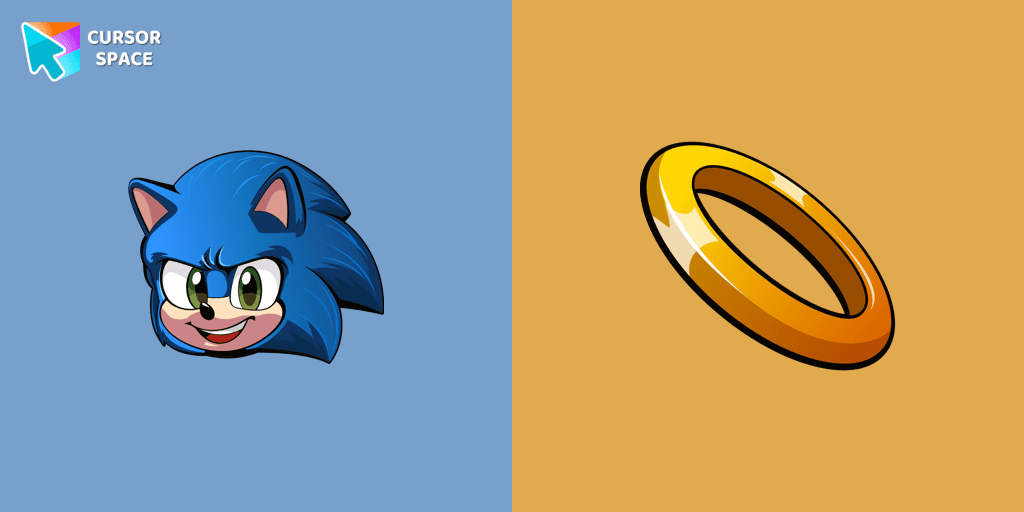
Install the Sonic cursor from our Sonic the Hedgehog custom cursor collection to feel a smile every time while browsing the web.
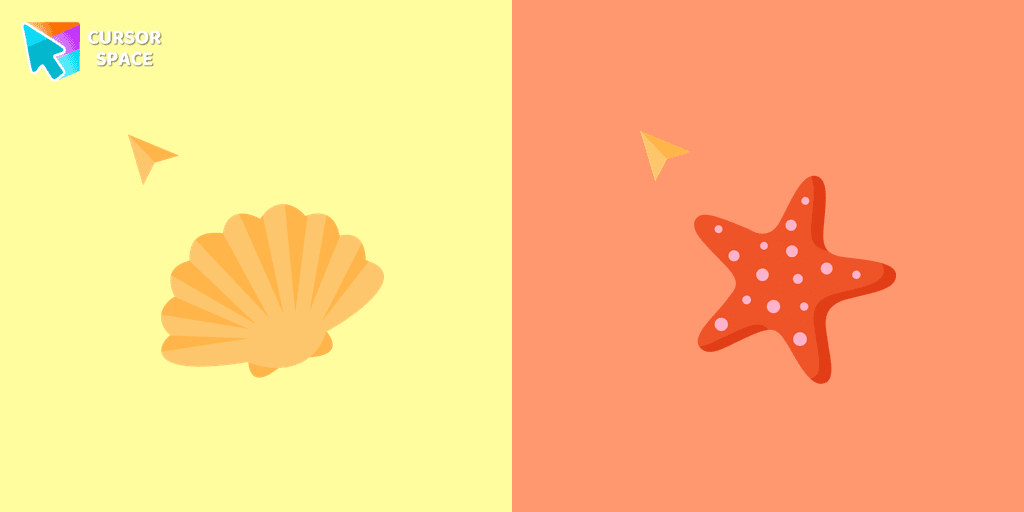
If you want to change your usual cursor to something cute, our sea cursor for mouse and pointer will be a good match for this job. Seashell as a cursor for mouse and cute starfish pointer will look pretty nice on your screen.
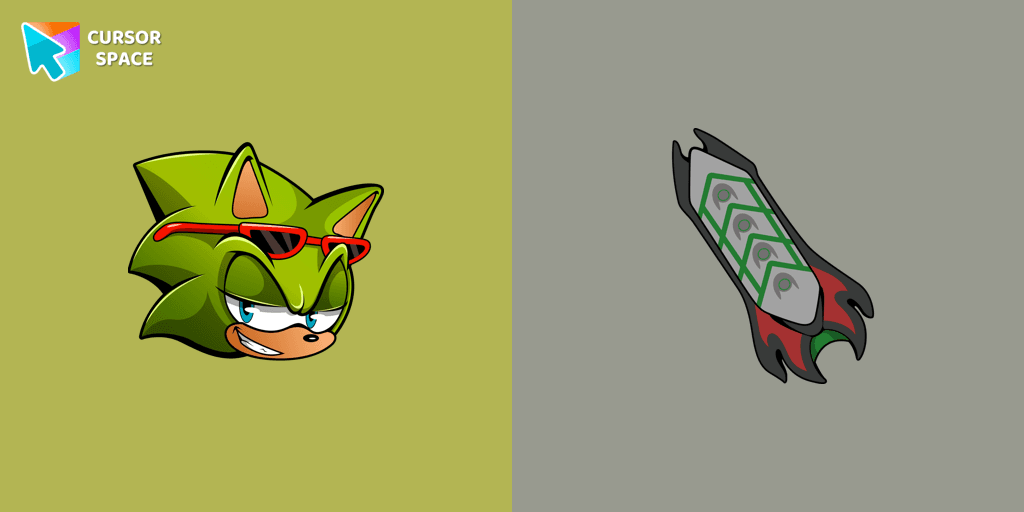
Scourge the Hedgehog custom cursor for the mouse is a pretty fan art in a Sonic the Hedgehog cursor collection for Chrome.

Pony custom cursor for chrome is well-designed in the best cute traditional for out The cutest custom cursors collection for Chrome. Change the simple browser cursor to a sweet pony cursor for mouse and pointer.
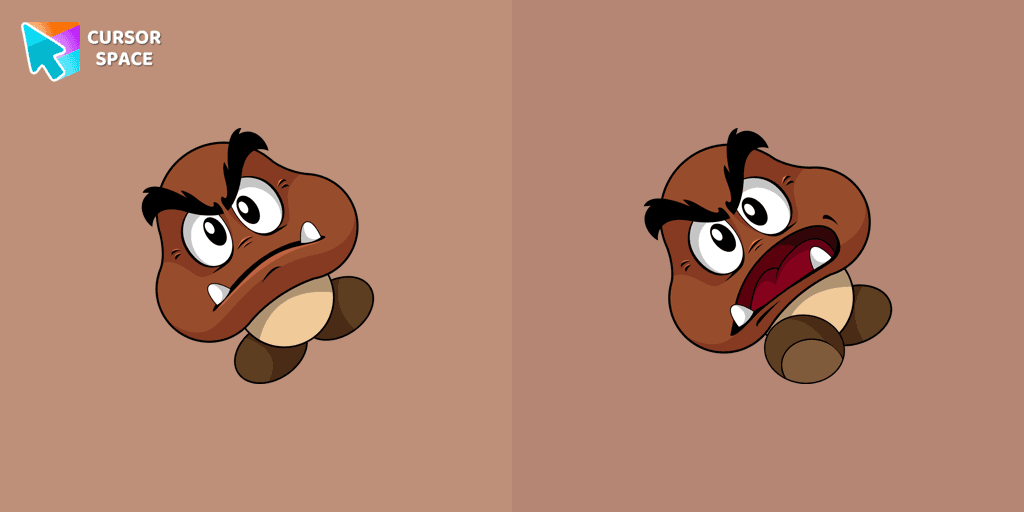
Calling all Mario fans! One of the most familiar foes from the beloved franchise, the Goomba, now has its very own custom cursor.
Installation leaders from "Care Bears": free packs, neon/anime/pixel art, quick add to Chrome and Edge.

The Love-a-lot Bear custom cursor from our custom cursors collection for Chrome.
Featuring the iconic Care Bears character, this cursor adds a touch of charm and nostalgia to your screen.

Smart Heart Bear custom cursor for the mouse is a pretty character in a Care Bears cursor collection for Chrome.
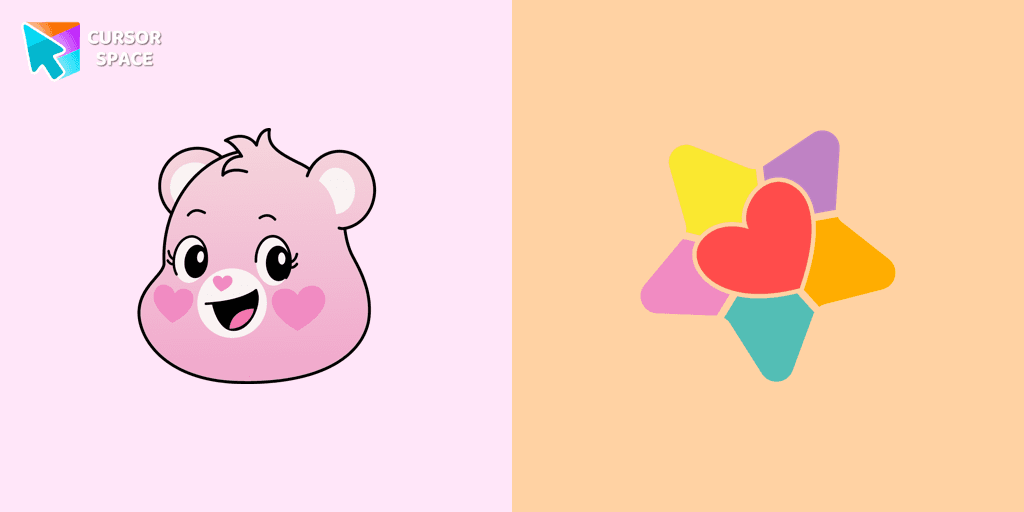
The True Heart Bear custom cursor brings charm and nostalgia to your browsing. Enjoy this adorable custom cursor for Google Chrome featuring the iconic Care Bears character.
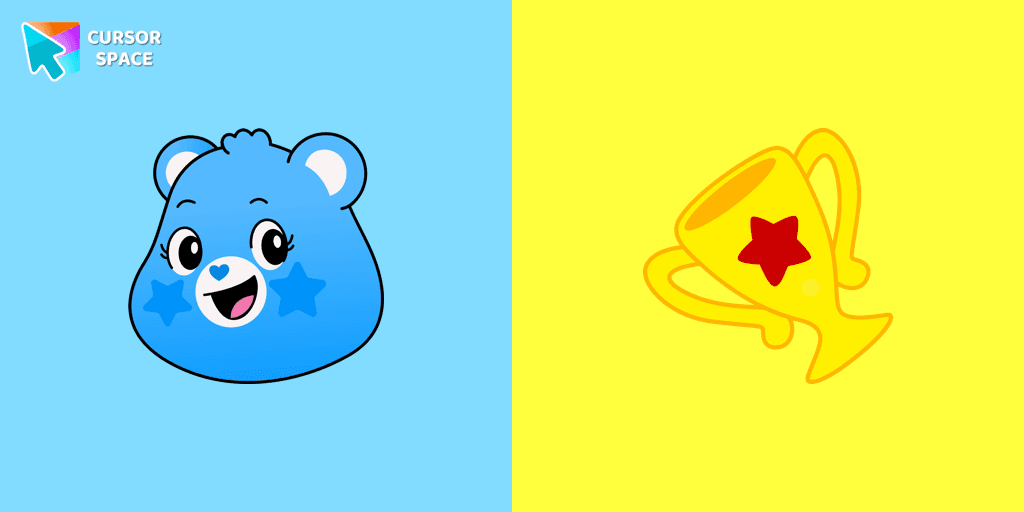

Grumpy Bear cursor for mouse and pointer in a terrific custom cursors collection for Chrome with Care Bears.
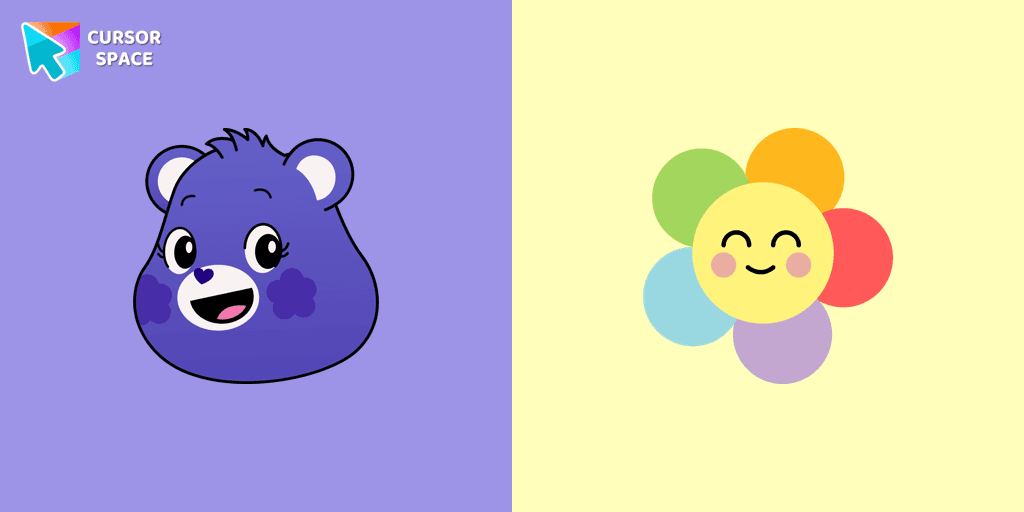
A fun Harmony Bear as a custom cursor for mouse and pointer with which we can spend many hours of fun.
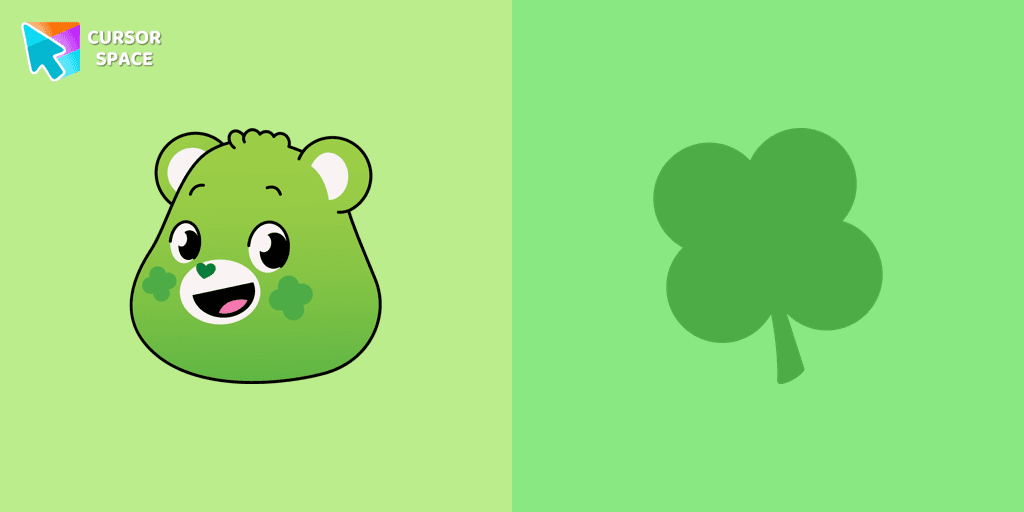
Care Bears for Chrome cursor set has a custom cursor Good Luck Bear as a pointing device.

Bedtime Bear custom cursor for the mouse is a pretty bear in a Care Bears cursor collection for Chrome.
Add packs instantly and unlock access to thousands of cursors: neon, anime, pixel-art, and more. Fast, safe, and free.
Cursor Space is an extension for changing your mouse cursor in Chrome and Edge browsers: themed collections, HiDPI icons, neon, animated, and pixel cursors, with quick installation.